DISPATCH AND RESPONSE
Police receive incident reports and crime alerts, with location prompts to help find the scene. Service vehicles and equipment support patrol work. Use the relevant duty and job systems before attempting restricted actions.
CITIZEN AND CUSTODY INTERACTIONS
Use Citizen Interaction for escorting, handcuffing, searching and putting a person into or taking them out of a vehicle. Face or select the intended person and stay near them. Each action has its own state and distance requirements.
The service menu also provides the weapon-license action. Issue it to the correct nearby citizen after the required roleplay checks. A weapon license is separate from a driving license and an identity card.
Station storage separates the locker, confiscated items, evidence and marked-money removal. Put evidence and seized property in the appropriate place so other officers can locate it.
COLLECT AND ANALYZE SCENE EVIDENCE
Blood and bullet casings are separate scene evidence. With the appropriate service access, approach the evidence and press E at Take sample or Pick up. Collect evidence before leaving the scene; a gunshot-residue test on a suspect does not collect the casing from the ground.
Use the DNA analysis action for collected blood and ammunition analysis for collected casings. Blood analysis reports a name, blood type and street. Casing analysis reports the weapon, weapon type and street. Analysis consumes the selected collected sample, so note the result before closing it.
Record the collection location and the circumstances in your investigation. A blood sample, a casing, a residue result and a vehicle record describe different evidence and should not be treated as interchangeable.
OPEN THE MDT
Use /mdt to open the records interface when working as police, FIB or EMS. Enter the command again to close it. If you are facing a vehicle when you open it, its plate can be passed directly into the vehicle lookup.
Use the appropriate records section for a citizen, vehicle or report, and confirm identifiers before editing a record. MDT access follows your active job, so a saved but inactive service job does not grant access.
SECURITY CAMERAS AND BODY CAMERAS
Open the authorized security-camera menu, select a site and choose its camera feed. Left / Right changes cameras, the displayed rotation controls move the view, and Backspace closes it. A site whose camera security is offline cannot provide its normal feed.
Security systems have local access points that can be compromised or restored. An offline-camera message therefore matters during a robbery; switching to another feed in the same disabled system may not solve it.
Use the body-camera equipment action to toggle its overlay and recording state. It includes your identifying information and changes the visible vest while active. Body-camera capture and a remotely viewed security feed are separate tools.
VEHICLE RADAR, PLATES AND ROAD EQUIPMENT
In a supported police vehicle, the radar has independent front and rear antennas and plate readers. Default Num 8 locks or unlocks the front antenna; Num 5 controls the rear. Num 9 locks the front plate reader and Num 6 the rear.
L toggles the radar keybind lock. If the controls stop responding, check that lock and your FiveM key bindings. /reset_radar_data resets saved radar data.
The police equipment menu supplies cones, barriers, spike strips and numbered evidence markers. Portable radar controls include enabling it, setting its speed and choosing its side. Place equipment clear of the officer's own vehicle and remove it when the scene ends.
CUSTODY AND EQUIPMENT
Restraints, shields, placed objects and prisoner transport support different scenes. Jail tracks sentences and release. Use City Law and server rules alongside the mechanical tools.
EQUIPMENT AND SERVICE VEHICLES
| Code | Description |
|---|---|
| 10-23 | Arrived at the scene |
| 10-32 | Man with a gun |
| 10-33 | Emergency |
| 10-50 | Accident |
| 10-52 | Ambulance needed |
| 10-57 | Hit & Run |
| 10-78 | Need assistance |
| 10-80 | Pursuit in progress |
| 10-90 | Bank or store alarm |
| 10-13 | Officer down |
| 10-4 | Acknowledged |
| 10-7 | Out of service |
| 10-8 | Back in service |
| 10-9 | Repeat |
| 10-12 | Stand by |
| 10-15 | Subject in custody |
| 10-19 | Return to |
| 10-20 | Location |
| 10-22 | Disregard |
| 10-26 | Detaining subject, expedite |
| 10-37 | Investigating suspicious vehicle |
| 10-38 | Routine traffic stop |
| 10-41 | Standing duty |
| 10-42 | Ending duty |
| 10-69 | Message received |
| 10-74 | Negative |
| 10-76 | En route |
| 10-77 | ETA |
| 10-95 | Subject |
| Code | Description |
|---|---|
| CODE 1 | Routine call |
| CODE 2 | Non emergency call |
| CODE 3 | Emergency |
| CODE 4 | All cleared, no additional units |
| CODE 5 | Felony stop |
| CODE 6 | Investigating area |
| Shortcut Key | Description |
|---|---|
| Ctrl + X | code 1 |
| Alt + X | code 99 |
| Ctrl + M | police radar inside of a police car |
| Num 8 | toggle front antenna |
| Num 5 | toggle rear antenna |
| Num 9 | toggle front plate |
| Num 6 | toggle rear plate |
| Shift + R | police handcuffs |
| Chat Command | Description |
|---|---|
/mdt | open police mobile data terminal |
/gsr | check for gunpowder residue, police and fib only |
/wsr | check for the smell of weed, police and fib only |
/hsr | check for the smell of drugs, police and fib only |
/closestore | police and fib can close down vangelico store |
/spotlight | Activate the spotlight in supported police, FIB, EMS and security vehicles, then aim it with the numpad keys. |
/jail id duration reason | jail a player |
/unjail | unjail a player |
/jailmenu | open jail menu |
/alarm | trigger prison alarm |
/alarmoff | turn off prison alarm |
/uniform | change uniform |
| Police Rank | Pay |
|---|---|
| Cadet | $100.00 |
| Officer | $150.00 |
| FTO | $200.00 |
| Detective | $250.00 |
| Sergeant | $275.00 |
| Lieutenant | $300.00 |
| Captain | $310.00 |
| Chief | $350.00 |
| Sheriff Rank | Pay |
|---|---|
| Sheriff Detective | $250.00 |
| Sheriff Sergeant | $275.00 |
| Sheriff Lieutenant | $300.00 |
| Sheriff Captain | $310.00 |
| Sheriff | $350.00 |
| Icon | Item Name | Description |
|---|---|---|
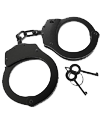 | Handcuffs | Restrain a nearby person through the player interaction menu. |
 | Handcuff Key | Unlock handcuffs on a nearby person. |
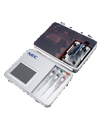 | DNA Analyzer | Analyze collected blood samples to help identify a person. |
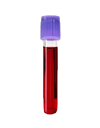 | Blood Sample | Collected DNA evidence for an investigation. |
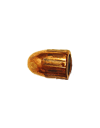 | Bullet Casing | Collected ammunition evidence for analysis. |
 | Traffic Cone | Place cones to mark a scene or direct traffic. |
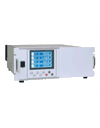 | Ammo Analyzer | Allows you to analyze bullet casings found on the field and provides information about the weapon it was shot from |
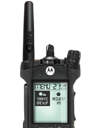 | Radio Station | Talk on police only radio |
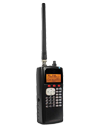 | Police Radio Station | Listen to dispatch and get reports on any crime reported in the city |
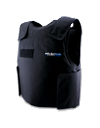 | Bullet-Proof Vest | Provides additional protection |
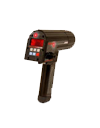 | Radar Gun | Hand held radar gun allows you to read vehicle plates and speeds |
| Icon | Weapon Name |
|---|---|
 | Nightstick |
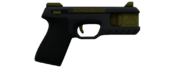 | Stun Gun |
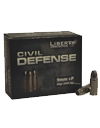 | 9mm Ammo |
 | Pistol |
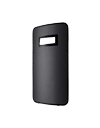 | Riot Shield |
GUNSHOT RESIDUE AND DRUG-SMELL CHECKS
Select a nearby person and choose the authorized Gunshot residue test action, or use /gsr within three metres. /sniff checks the nearby person's recorded smell status. These are separate from searching pockets or identifying a weapon from ammunition evidence.
The residue system allows washing in water. Once the cleanup prompt appears, remain in the water for 30 seconds and wait for completion. Leaving too early fails the cleanup. This removes the tracked gunshot/drug-smell states; it does not remove evidence objects already left at a scene.
REQUEST OFFICER BACKUP
While working as police, Left Ctrl + X sends a Code 1 backup request. Left Alt + X sends Code 99. Requests include your name and street and set a waypoint for receiving officers.
Allow the short cooldown between requests. Use the correct urgency and keep radio communication updated if the incident moves; the original alert location is not a substitute for a continuing pursuit report.
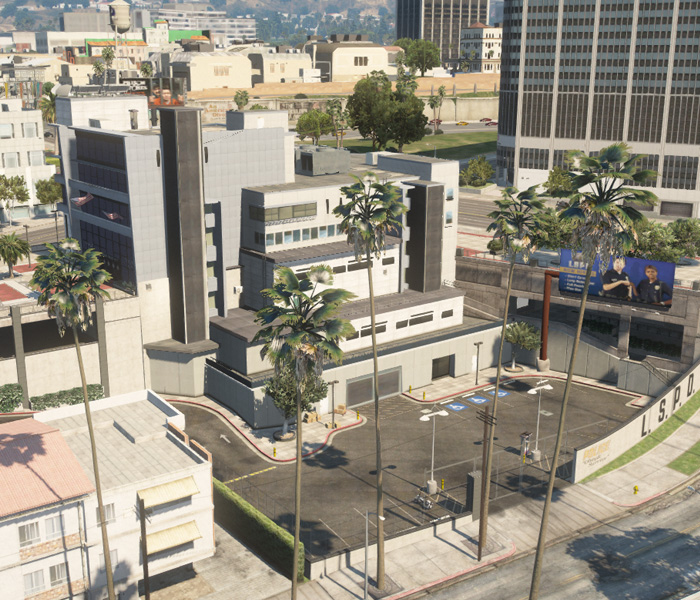
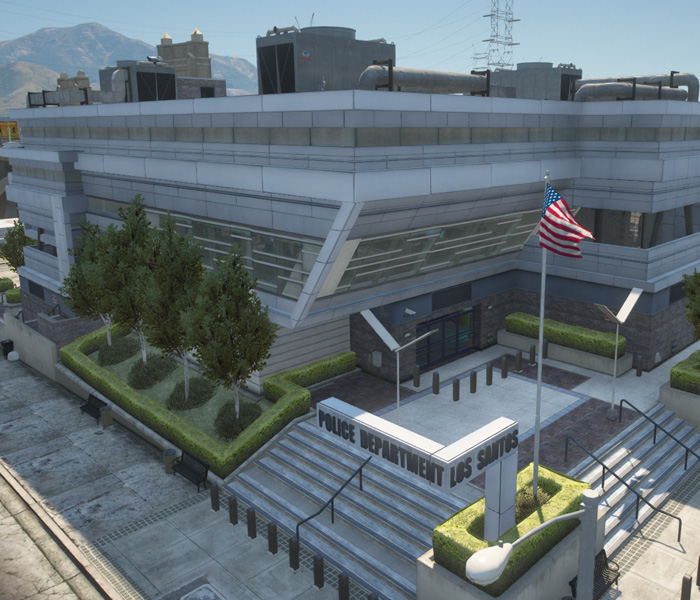
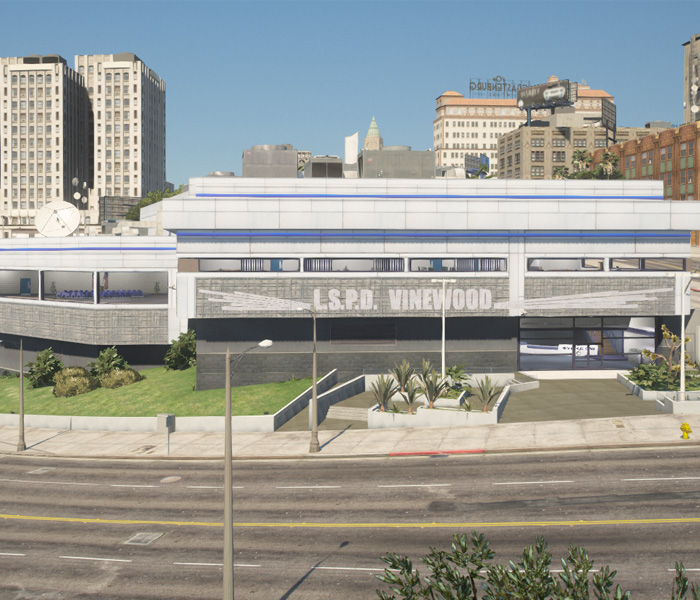
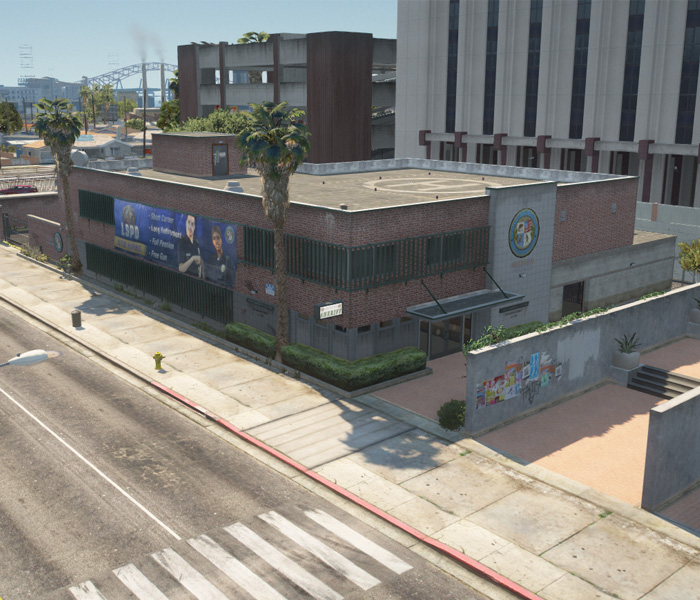
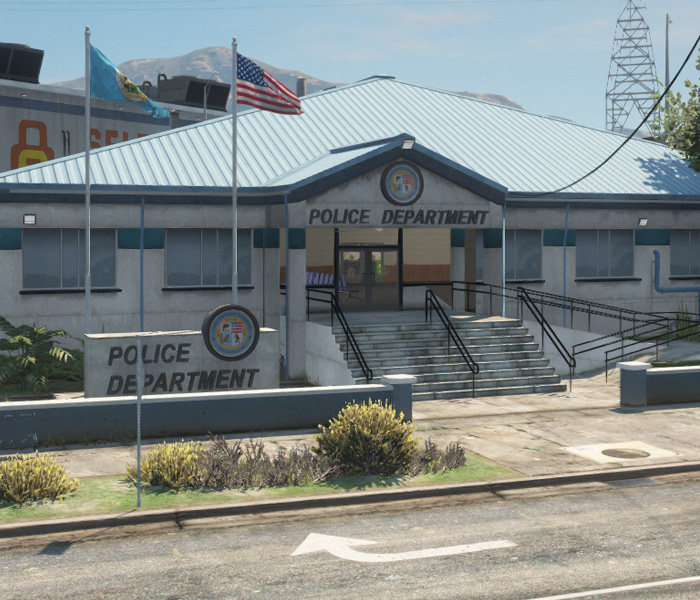
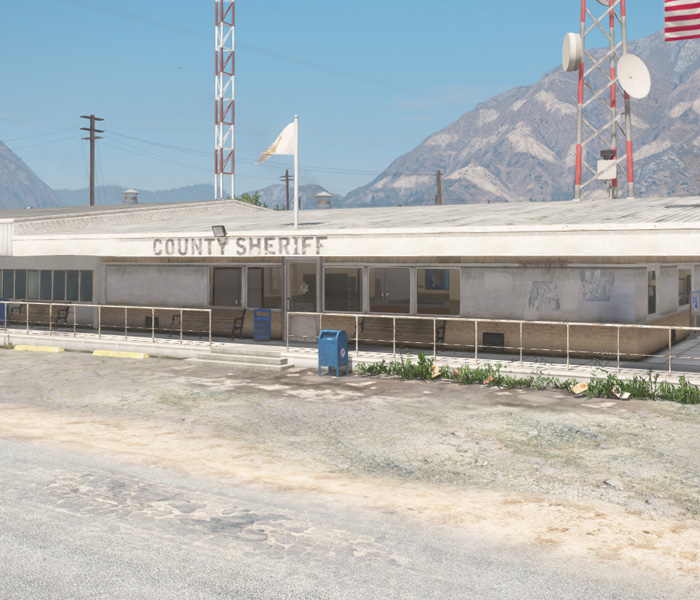
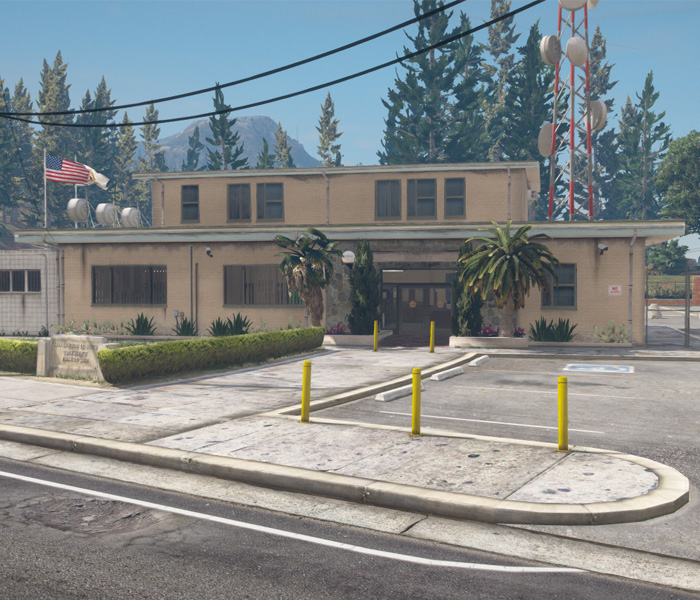
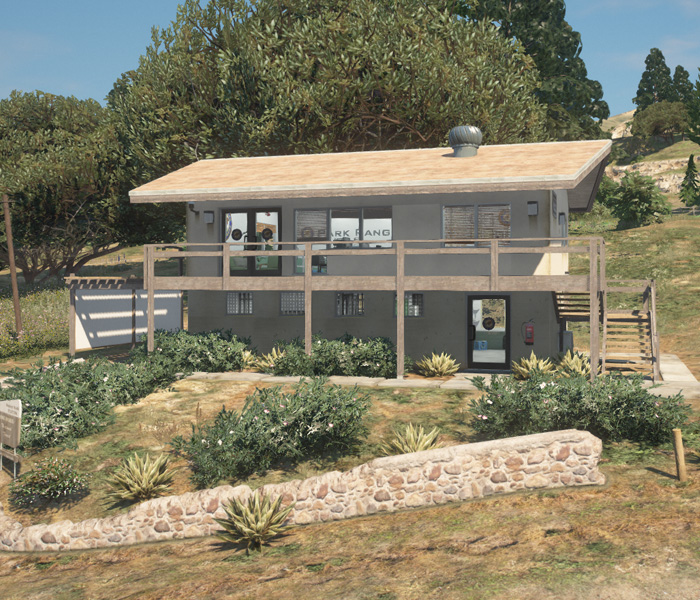
POLICE STATIONS